Speech to text
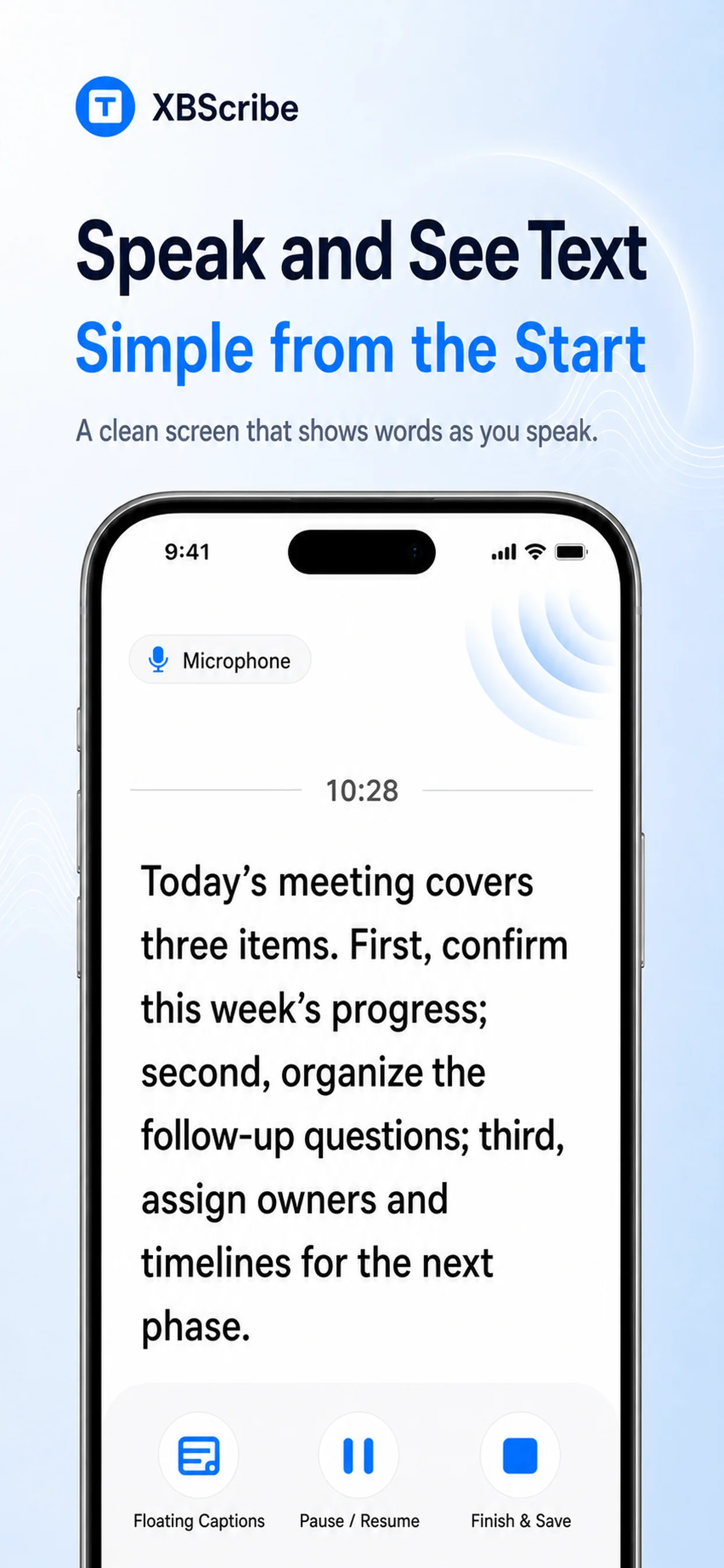
After model setup, follow meetings, lectures, interviews, or ideas as readable text without relying on an internet connection.
Free audio to text · On-device · Offline
Core on-device transcription has no minute, word, or usage limits. After model setup, live speech and local files work offline without uploading your audio for transcription.
Start with what you have
Live speech and local files use on-device transcription. Link to Text uses the internet to retrieve supported public media before transcription continues on your device.
After model setup, follow meetings, lectures, interviews, or ideas as readable text without relying on an internet connection.
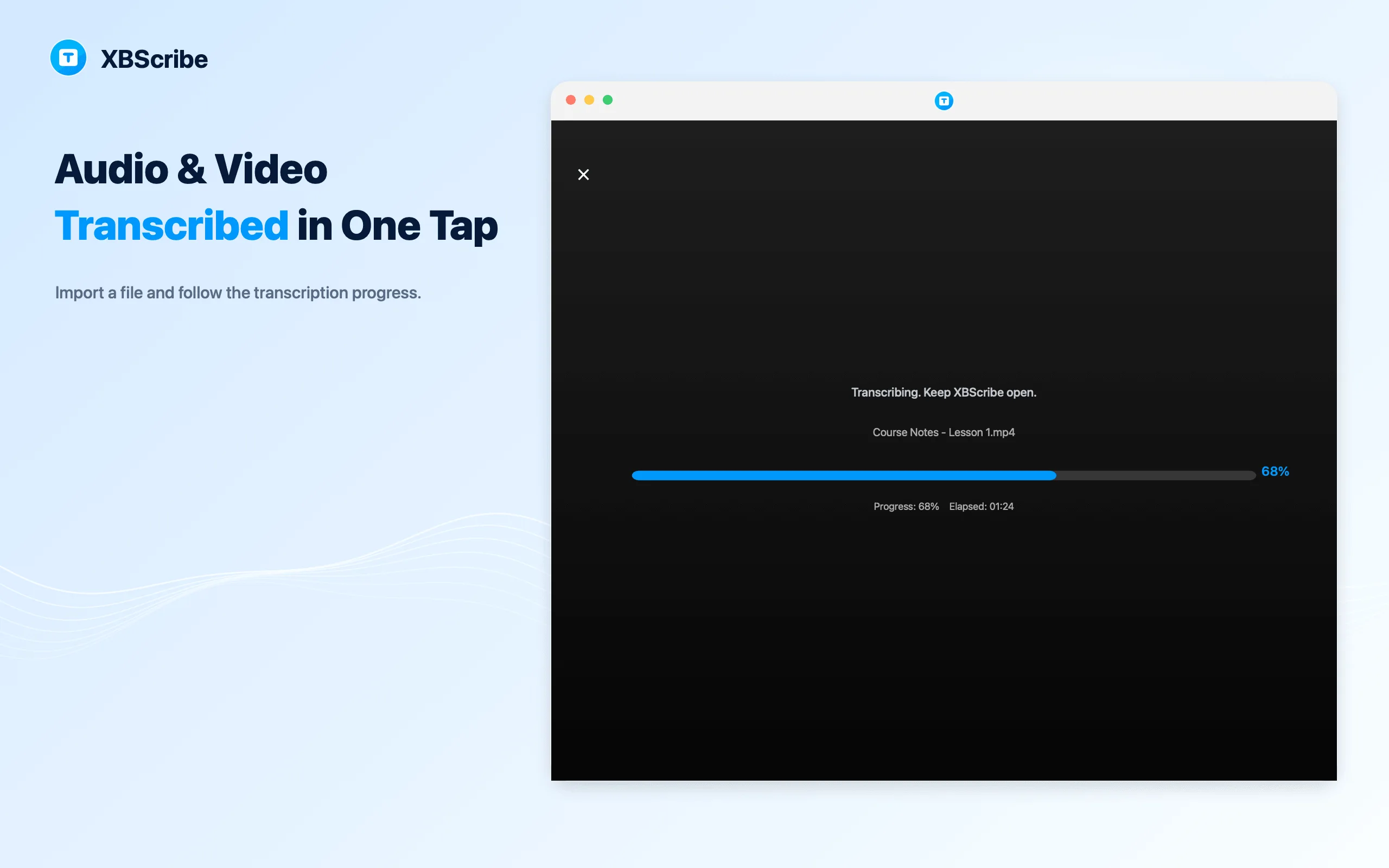
Import a selected recording and create a transcript on your device without uploading the audio for core transcription.
Choose a local video file and create text from its spoken audio on-device, with no minute, word, or usage quota.
Paste a supported public share link. Internet is required to resolve and download the media; transcription then runs on your device.
A simple workflow
There is no cloud project or usage meter to manage. Start with the source, follow transcription, then review the saved result.
Use live speech, a selected audio or video file, or a supported original video link.
Core live and local-file workflows run on-device. Supported links first use the internet to retrieve the media you request.
Open the result, correct anything important, and use the text in your own workflow.
Private, unlimited, and practical
XBScribe combines 100-year access to eligible core local transcription with no minute, word, or usage limits across everyday listening workflows.
Keep the words for review without typing through the lesson.
Capture decisions, details, and follow-up points in a searchable form.
Turn existing media into text that is easier to scan, edit, and quote.
Move from an original video link to a saved transcript in one flow.
Audio-to-text questions
XBScribe supports live speech, selected audio and video files, and supported original video links. Exact formats and link support can vary by platform and version.
The current offer provides eligible users with 100-year access to the eligible core on-device transcription features shown in the app. Platform services, third-party services, eligibility conditions, and future premium features may change.
Eligible core local transcription has no minute caps, word limits, or usage quotas. A single task can still be affected by device storage, battery, operating-system limits, media format, and available language models.
Yes. After the required language model is installed, core live transcription and selected local audio or video file transcription can work offline.
Core live and local-file transcription is processed on your device and does not require uploading your audio for transcription. Transcripts and selected media are stored in the app's private storage by default.
Yes. Use the official store links on the XBScribe homepage. The Apple listing supports the released iPhone and Mac versions; Google Play availability may vary by region.
No automated transcription is perfect. Review important output, especially names, numbers, technical terms, quotations, and decisions.
Yes. Link to Text sends the public link to a resolver and downloads the requested media before transcription continues on your device. Only supported links can be processed, and you should transcribe only material you are permitted to use.

Start with 100-year access to eligible core on-device transcription on iPhone, Android, and Mac.