Free for 100 years
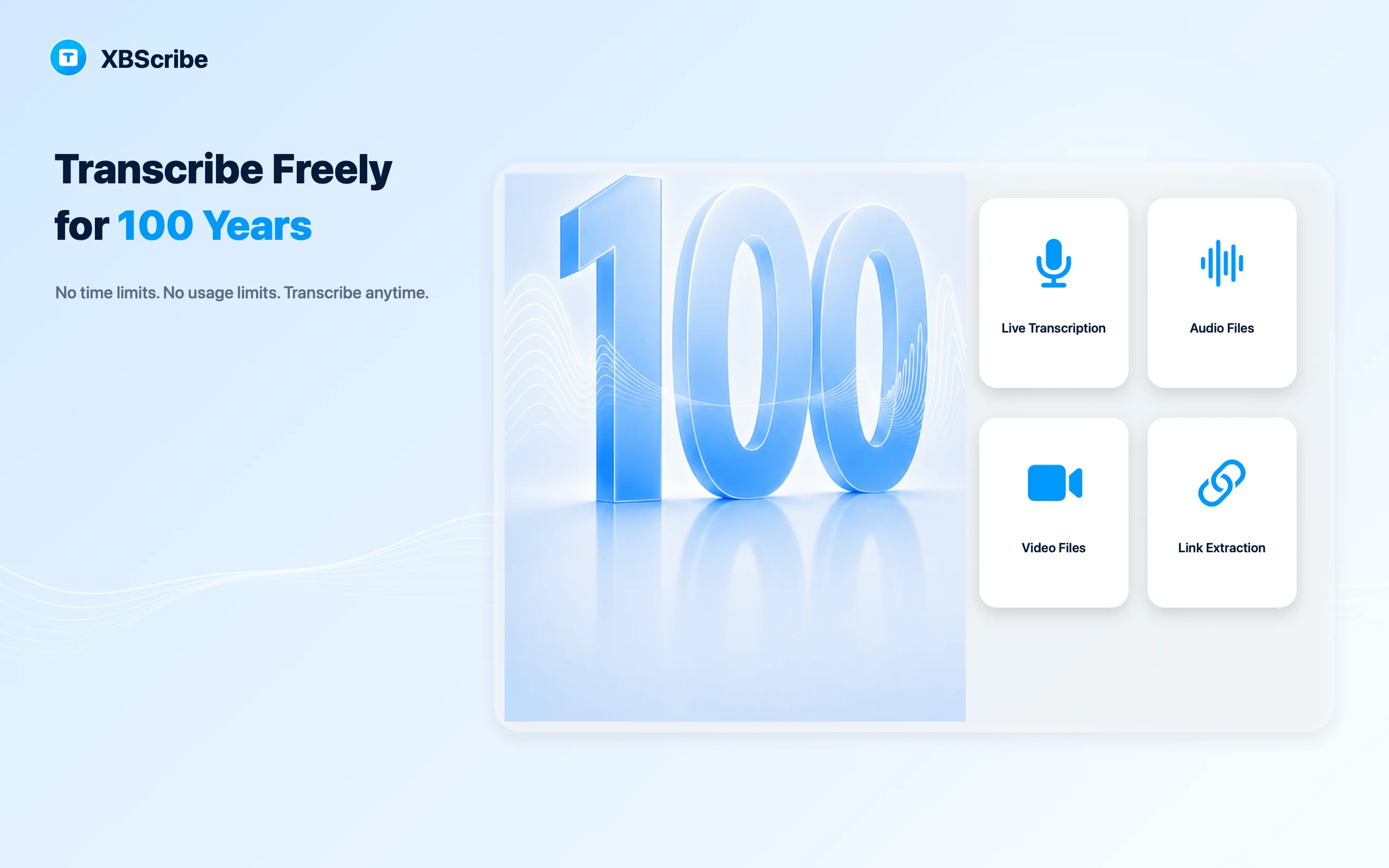
Get 100-year access to eligible core on-device transcription without paying by cloud transcription minute.
100-Year Free Access · No Minute Caps · No Word Limits
Transcribe live speech, recordings, audio, and video on iPhone, Android, and Mac. Core on-device transcription has no minute, word, or usage limits. Once the language model is installed, it works offline—without uploading your audio for transcription.
Browse tutorials XBScribeOn-device transcription for iPhone and Mac
Freedom by design
Core on-device transcription is built around four clear promises.
Get 100-year access to eligible core on-device transcription without paying by cloud transcription minute.
No minute caps, word limits, or usage quotas for eligible core local transcription.
After the language model is installed, live and local file transcription works without an internet connection or network interruptions.
Your audio does not need to be uploaded for core transcription. Transcripts are stored on your device by default.
*100-year access applies to eligible core on-device transcription features under the current offer. Platform and third-party services may change. Link to Text and first-time model downloads require internet access.
Four sources. One useful transcript.
Live speech and local audio or video can be transcribed on your device. Link to Text uses the internet to resolve and download supported public media before transcription continues on-device.
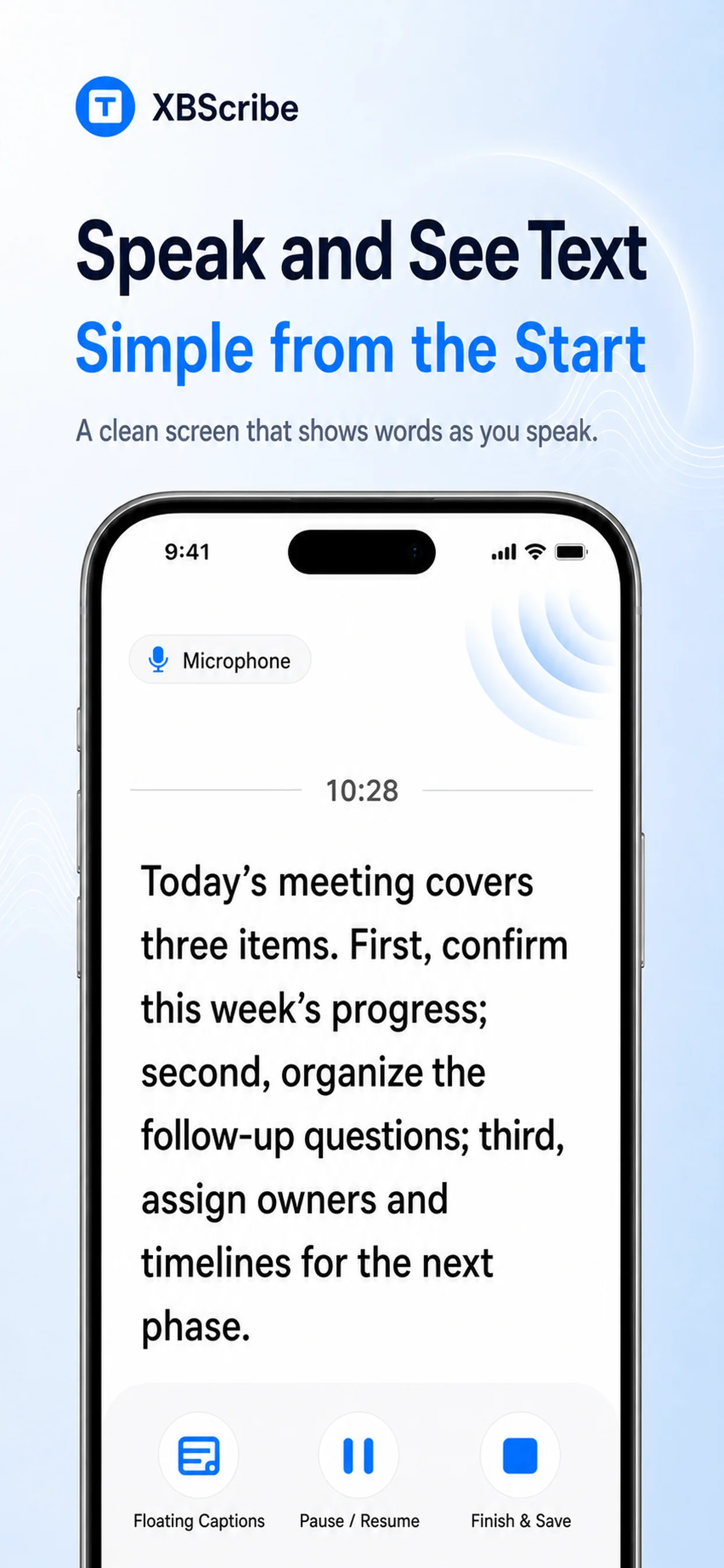
Explore free offline audio-to-text workflowsAfter model setup, start on-device live transcription for meetings, lectures, interviews, or quick thoughts without relying on a network connection.
Read tutorial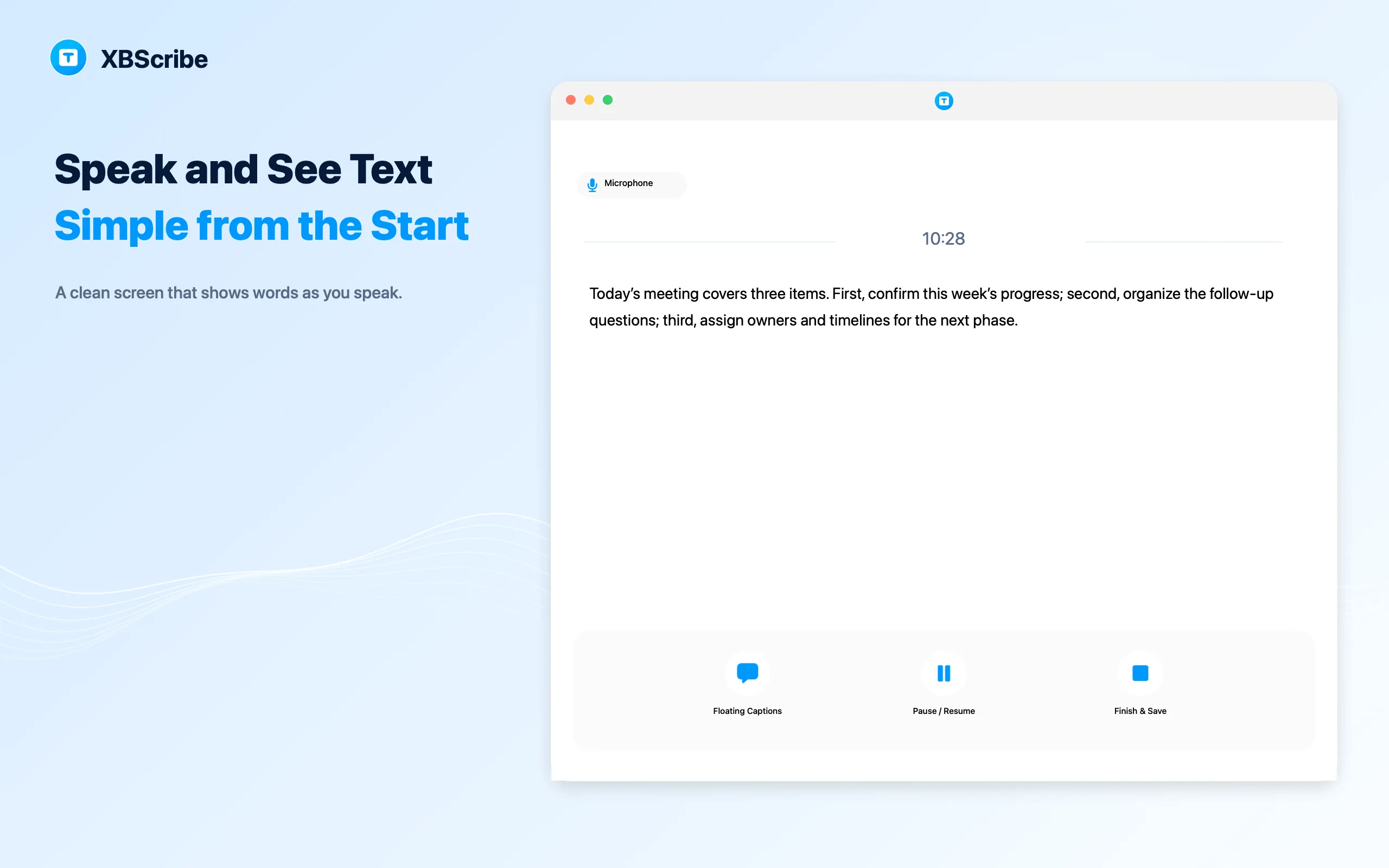
Keep readable, on-device captions over a video, lecture, or meeting while the original content stays visible.
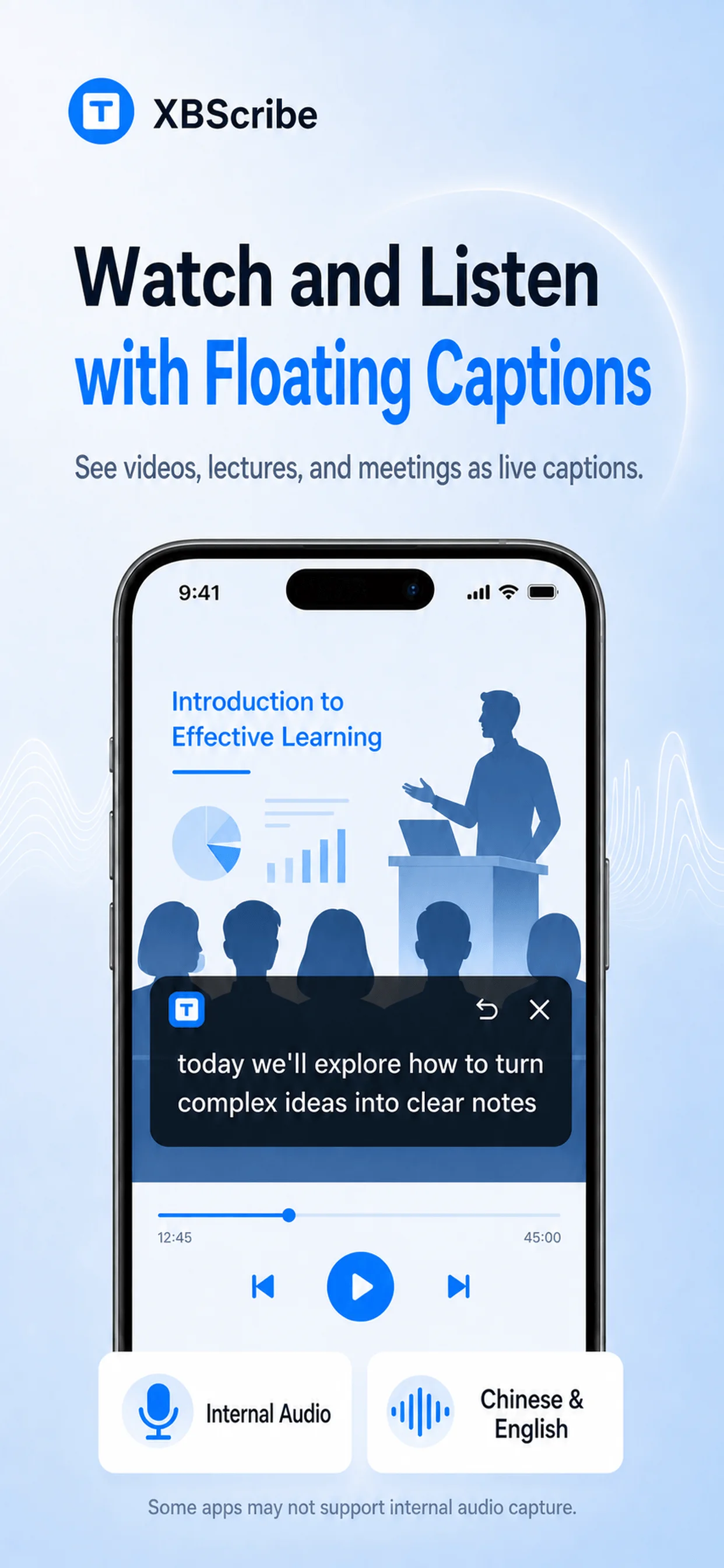
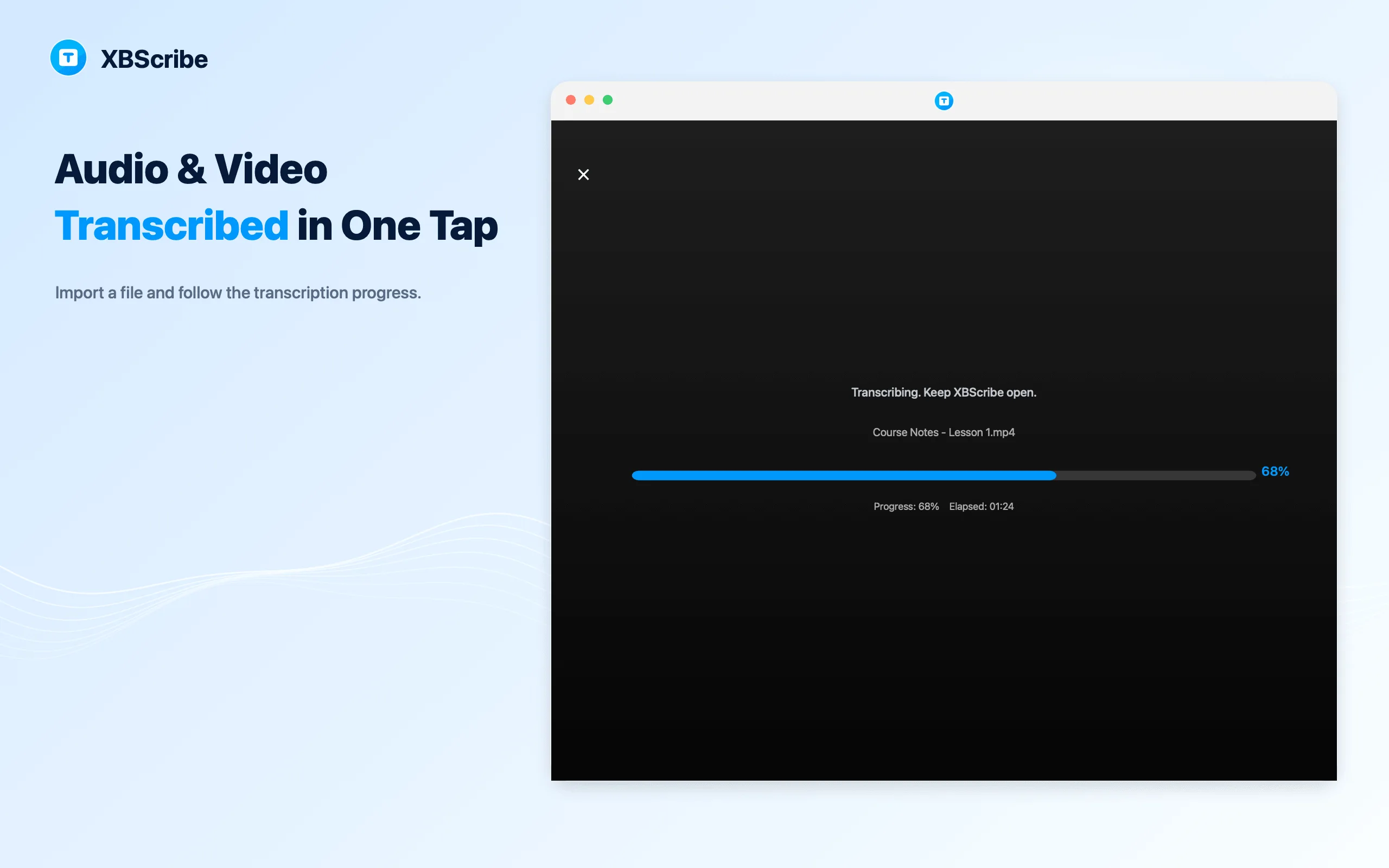
Choose a file from your device and create an editable transcript locally, without uploading the media for core transcription.
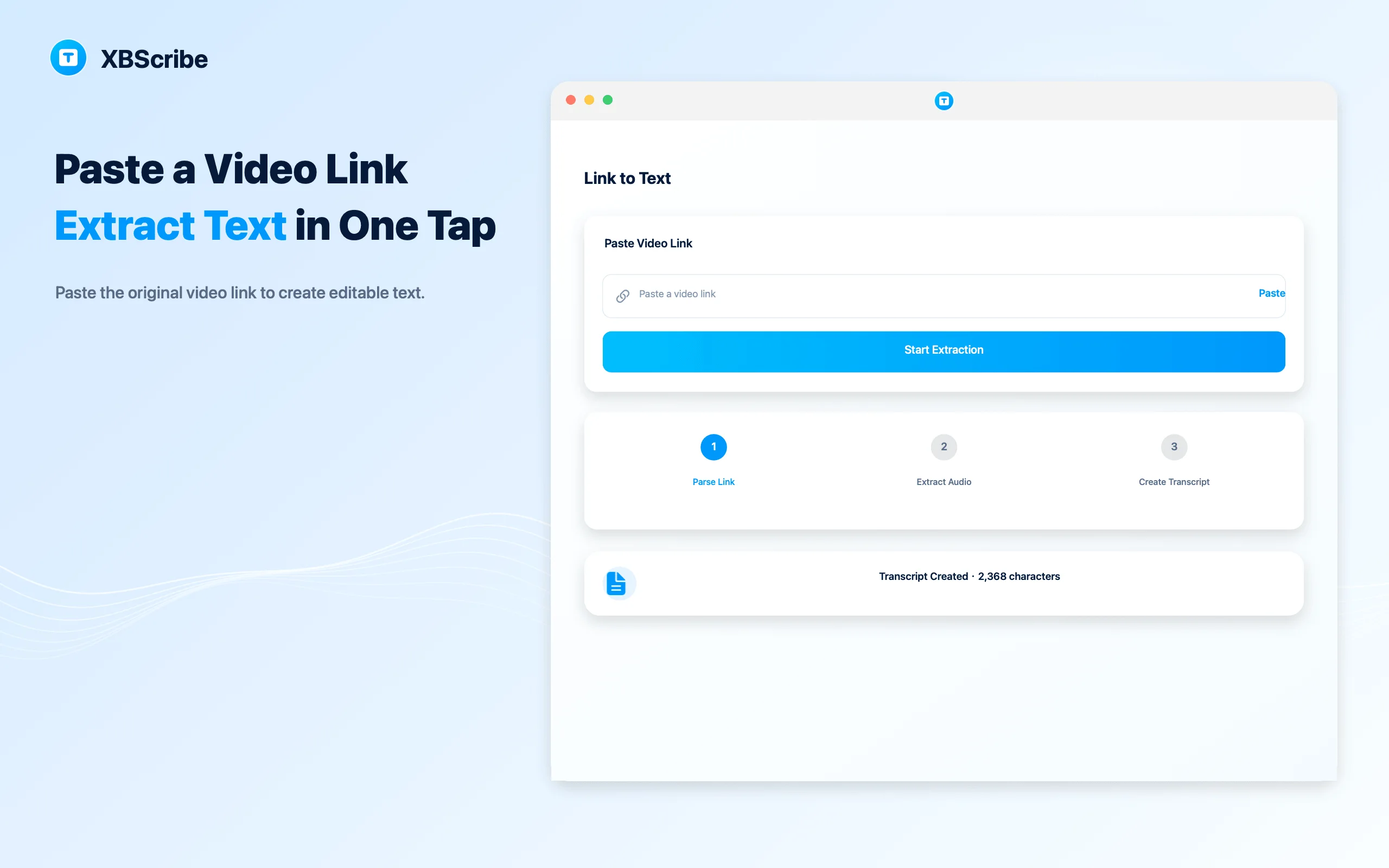
Paste a supported public share link. Internet access is used to resolve and download the media; the resulting transcription is processed on your device.
How it works
No cloud project or usage meter to manage. Start with the source you already have and finish with text you control.
Use the microphone, internal audio, a local file, or a supported link.
Core live and local-file workflows run on-device. Supported links first use the internet to retrieve the media you request.
Open the saved result, make edits, and use the text in your own workflow.
Made for real listening
Follow the lesson now and keep the words for review later.
Capture decisions, details, and follow-up points without constant typing.
Turn recordings, clips, and interviews into text you can search and edit.
Move from a supported video link to a saved transcript in one flow.
Available across your day
Choose your device and open the official store page directly. Google Play availability may vary by region.
Questions, answered
XBScribe supports live speech, selected audio and video files, and supported original video links. Exact formats and link support may vary by platform and version.
The current offer provides eligible users with 100-year access to the eligible core on-device transcription features shown in the app. Platform services, third-party services, eligibility conditions, and future premium features may change.
Eligible core local transcription has no minute caps, word limits, or usage quotas. A single task can still be affected by device storage, battery, operating-system limits, media format, and available language models.
Yes. After the required language model is installed, core live transcription and selected local audio or video file transcription can work offline. Initial model downloads, app-store services, support, analytics where enabled, and Link to Text require or may use a network connection.
Core live and local-file transcription is processed on the device and does not require uploading your audio for transcription. Transcripts and selected media are stored in the app's private storage by default. Link to Text sends the public link to a resolver and downloads the requested media before on-device transcription.
No automated transcription is perfect. Audio clarity, language selection, accent, background noise, device, and available speech model can affect the result. Review important names, numbers, quotations, and decisions.
Use the official links on this page for iPhone, Android, and Mac. The Apple listing is verified under Apple ID 6793865384; Google Play availability may vary by region.
Start with 100-year access to core on-device transcription across iPhone, Android, and Mac.