-
01
Open Live Transcription
From the XBScribe home screen, choose the live transcription entry.
-
02
Choose the audio source
Use the microphone for nearby speech. On supported devices, internal-audio workflows may also be available.
-
03
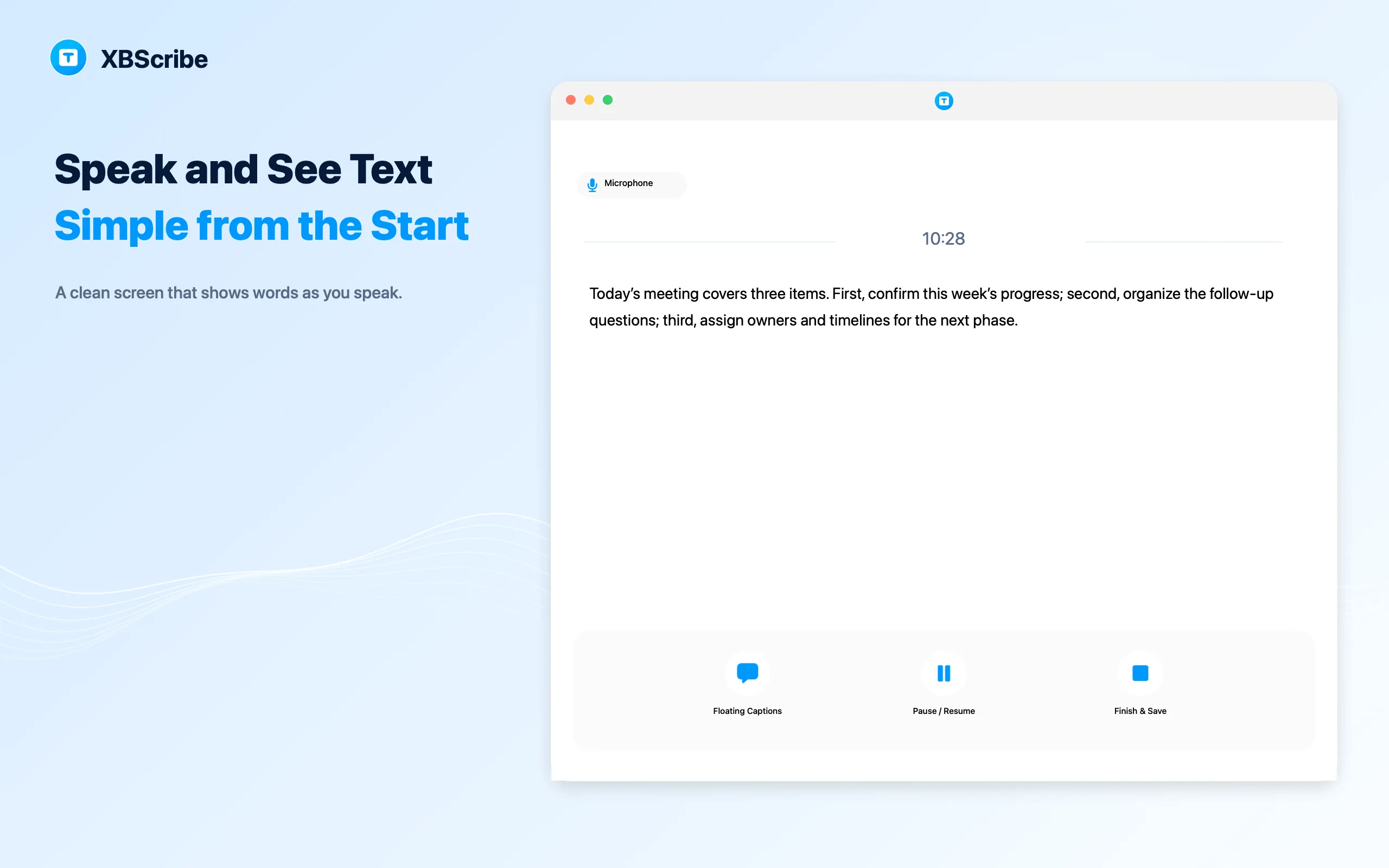
Start and follow the text
Words appear as speech is recognized. Use floating captions when you want the text to stay visible over other content.
-
04
Pause or finish
Pause when needed, then finish and save the transcript to history.
← All tutorials
Live transcription
How to use live transcription
Use live transcription when you want readable text while a conversation, lecture, or meeting is still happening.