-
01
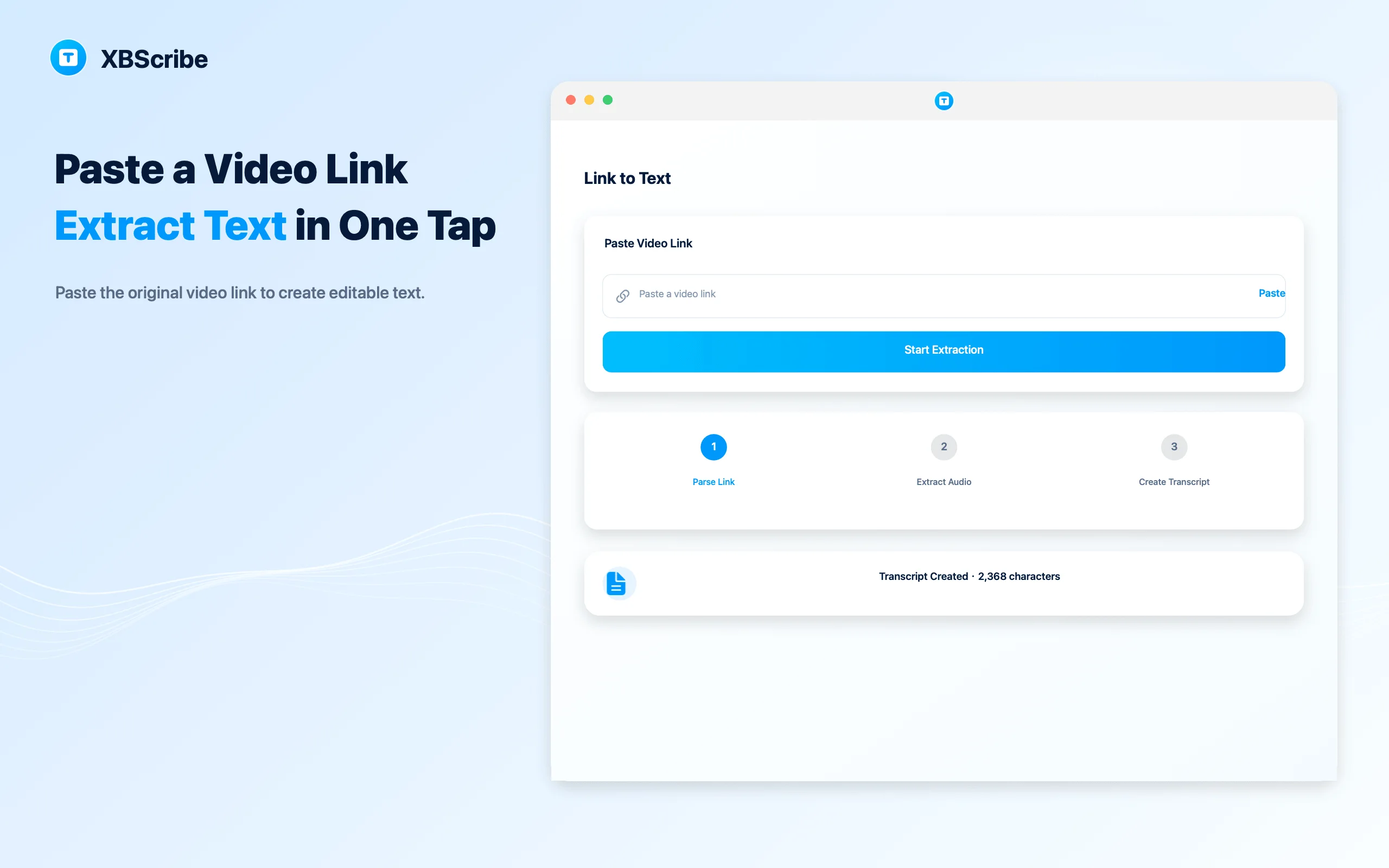
Copy the original share link
Copy the original link from the supported video platform. Shortened or expired links may not work.
-
02
Paste it into XBScribe
Open Link to Text, paste the link, and start extraction.
-
03
Let the app prepare the audio
XBScribe parses the link and downloads the audio needed for transcription.
-
04
Review the transcript
After transcription, the result is saved to History so you can open and edit it.
← All tutorials
Link to text
How to turn a video link into text
Use Link to Text when you have a supported original share link instead of a downloaded file.