-
01
Choose File Transcription
Open the file workflow from the XBScribe home screen.
-
02
Select your media
Use the system picker to choose the audio or video file you want to transcribe.
-
03
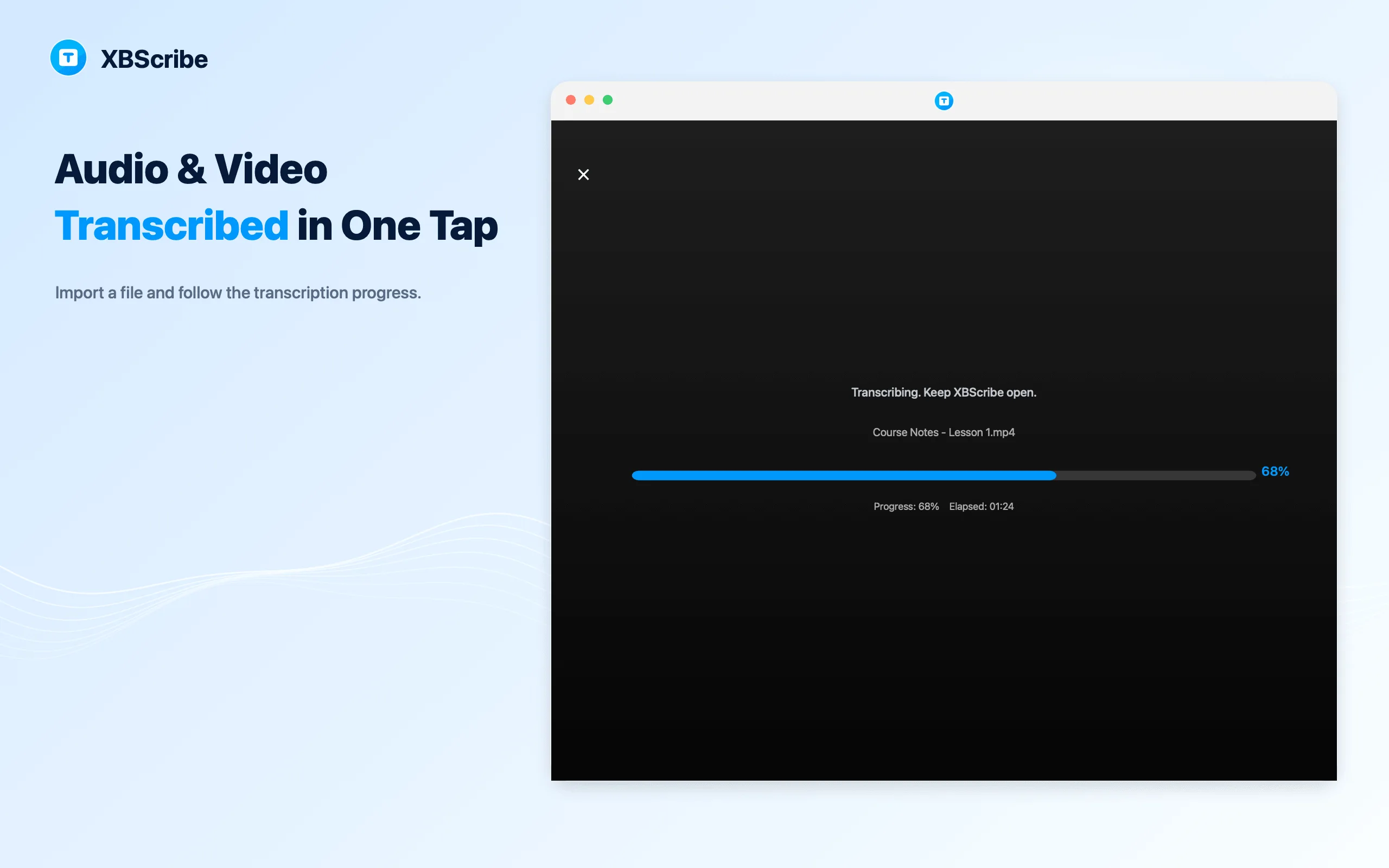
Follow progress
Keep XBScribe open while the selected file is prepared and converted into text.
-
04
Open the saved transcript
When processing finishes, review the result in History and edit or reuse the text.
← All tutorials
File transcription
How to transcribe audio and video files
Use file transcription when the recording already exists on your device.